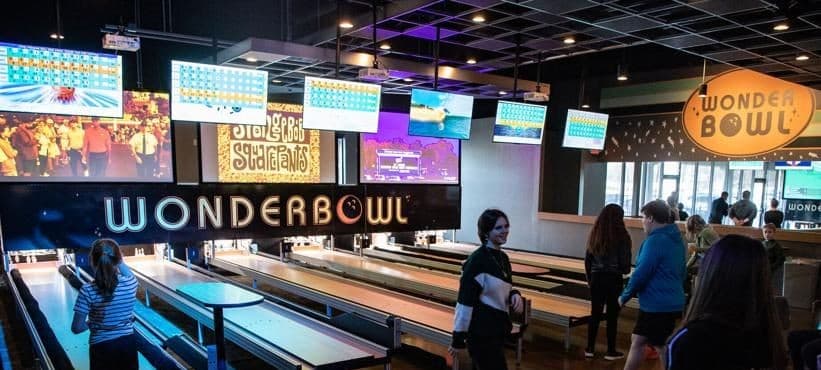
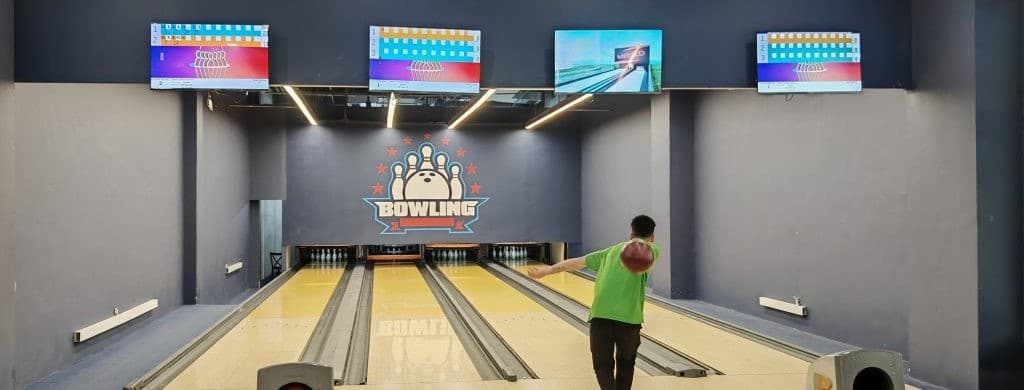
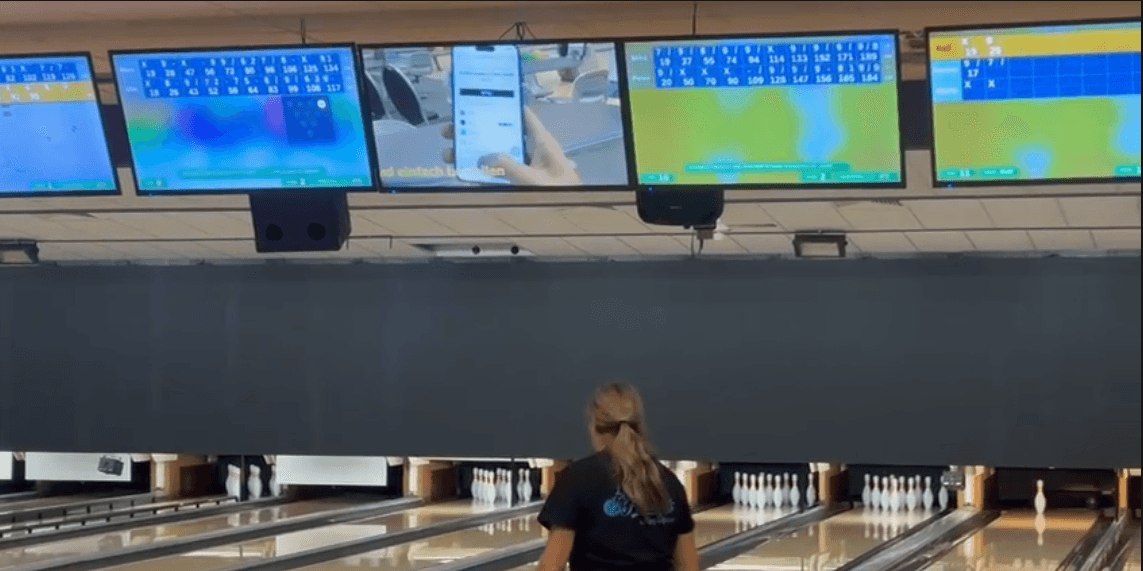
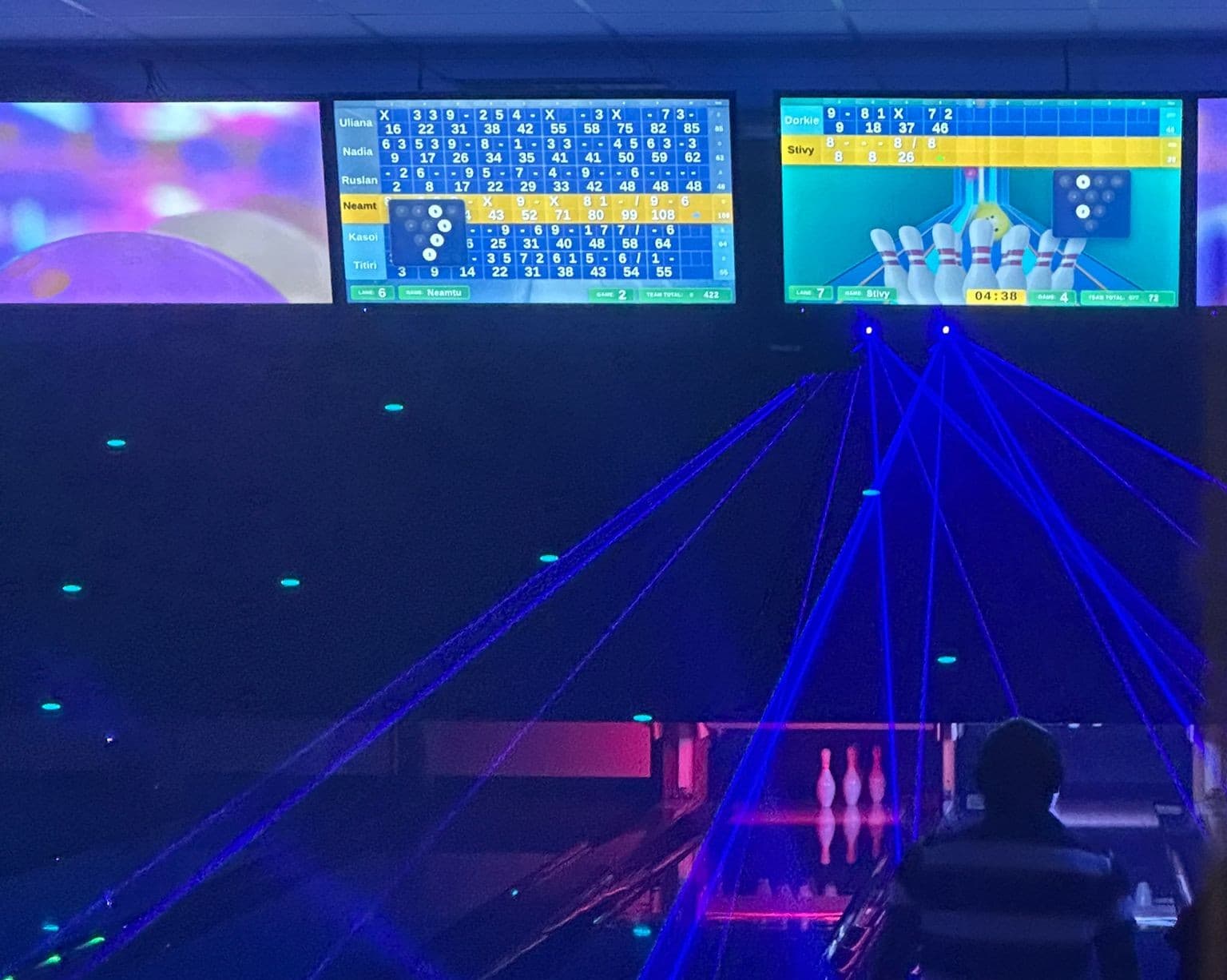
Lane displays
A graphical, touchscreen-friendly interface with HD strike and spare animations, custom backgrounds, and advertising slots. Works with a wide range of screen resolutions, so most centers keep their existing monitors.
Bowling Scoring System
A complete scoring platform for bowling centers. Lane displays, the bowlers' own phones, and the front desk application work as one system, running on a compact scorer computer at each lane and integrating with the pinsetters you already have.
A graphical, touchscreen-friendly interface with HD strike and spare animations, custom backgrounds, and advertising slots. Works with a wide range of screen resolutions, so most centers keep their existing monitors.
A QR code on the overhead monitor puts the lane in the players' hands. They scan it and control their game straight away, with no app to install and no console to buy or maintain.
Practice, open play, and league sessions, with regulation, 9-pin and 8-pin no-tap formats. Tenpin and duckpin are both supported, and shorter 3, 5, or 7 frame games suit families and younger bowlers.
Open, close, or transfer any lane from one screen, follow live lane status, and step in when a game needs correcting. Staff can adjust scores, rename players, and drive the pinsetters without walking the concourse.
Camera-based pin detection with on-site calibration connects the system to Brunswick GS Series, Brunswick string machines, SES, NGT, and AMF equipment, so centers modernise scoring without replacing machinery that already works.
What it does
Themes
The lane display ships with several colour themes, so scoring fits the room whether it runs under glow lighting or in daylight. Browse the carousel to compare.
Front desk application
The front desk application controls the whole centre from one place. These are real screens from the running system.
Open, close, extend, or transfer any lane from the front desk, with live status, credit, and remaining time for the whole centre alongside.
Set bowlers, game or time limits, frames, and animations, then take payment by cash or card with the invoice calculated as you go.
Staff can edit any unlocked frame, rename or reorder bowlers, pause a player, or switch bumpers on without leaving the desk.
Filter sales by date, product, and price sheet, read the totals with tax broken out, and export to PDF or Excel. Light and dark themes both ship.
Common questions
In most cases yes. Pin detection is camera-based and calibrated on site, and we run with Brunswick GS Series, Brunswick string machines, SES, NGT, and AMF equipment. Tell us what you have and we will confirm before quoting.
Usually not. The scoring interface adapts to a range of TV and screen resolutions, and the scorer computer connects over HDMI, so most centers keep the displays already mounted above the lanes.
Yes. The front desk application can adjust frames, change player names, and reassign bowlers while a session is live, and lane displays update immediately.
Yes. Each lane runs on its own scorer computer and keeps scoring on its own. The front desk application adds central control, pricing, and reporting across the centre.
See it running
Contact Rumix Technologies to discuss lanes, existing pinsetters, and installation.